Clases de Computación en la Biblioteca
Curso Básicos de Computación- Basic Level Computer Course
Saturday, September 24
1:00pm - 3:00pm
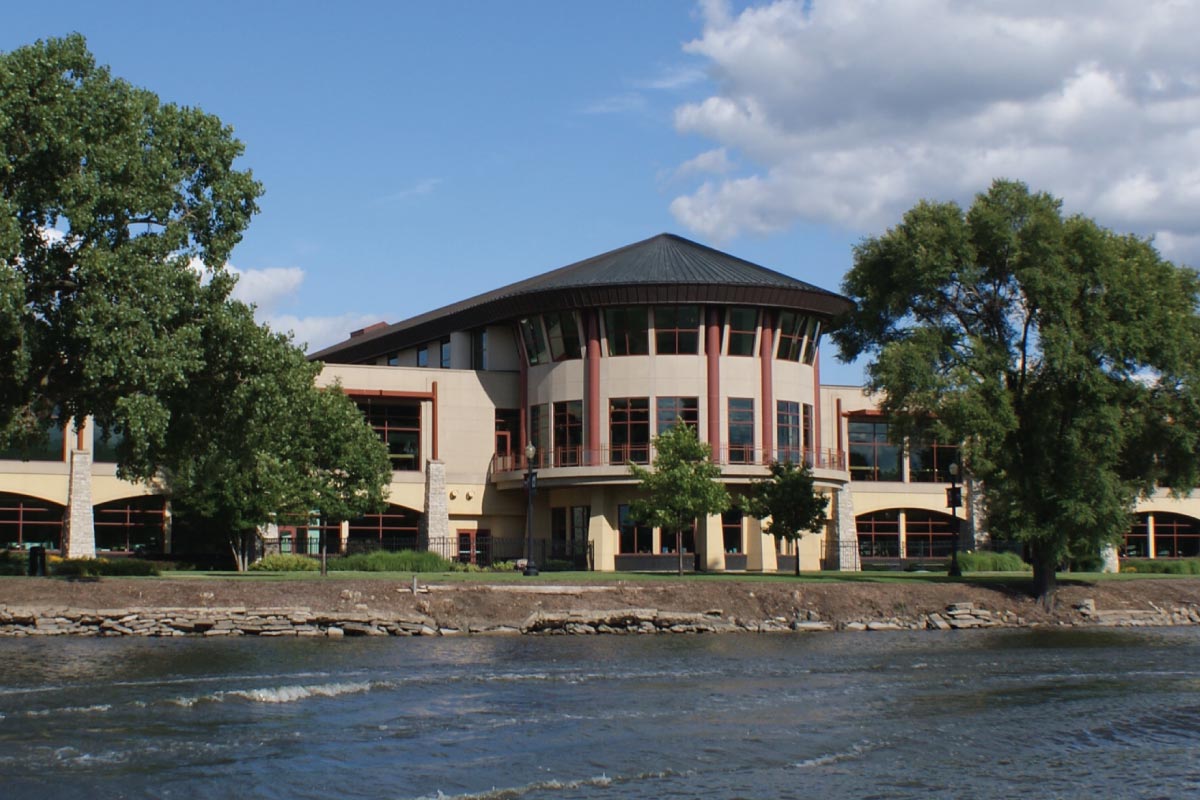
Main Library
Computer Training RoomEsta serie es para principiantes, para aprender destrezas básicas. No hay costo ni hay que tener tarjeta de la biblioteca. Al registrarte para la primera clase quedarás inscrito en todas las sesiones.
Em español.
Básicos de computación en la Biblioteca:
-3 de septiembre- Ratón y Teclado
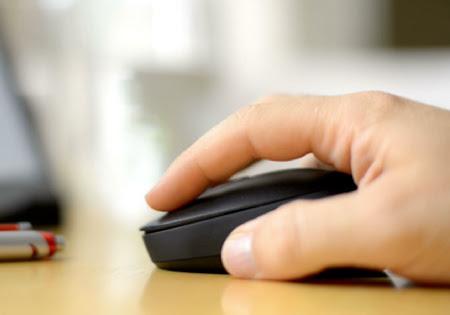
Aprenderás las funciones del teclado y el ratón. Realizarás ejercicios de práctica guiados con el teclado y el ratón.
Haz clic en este enlace para acceder al handout:
Handout El Ratón y el Teclado1
Handout El Ratón y el teclado 2
Handout El Ratón y el Teclado 3
Glosario El Ratón y el Teclado
-17 de septiembre- Introducción a la computación
Oriéntate sobre computadoras, tabletas, teléfonos, la nube y tendencias en tecnología.
Haz clic en este enlace para acceder al handout:
Handout Introducción al Mundo de la Computación
Glosario Introducción a la Computación
-24 de septiembre- El Internet
Aprende a buscar y encontrar en tu teléfono o computadora y conoce recursos locales y de la biblioteca, inclusive para buscar un empleo.
Haz clic en este enlace para acceder al handout:
- 15 de octubre- Correo Electrónico
Aprenderás a crear un correo electrónico, cómo utilizarlo, enviar y ver tus correos recibidos y como diferenciar un correo sospechoso. Aprenderás a sincronizar tu celular con tu correo electrónico
Haz clic en este enlace para acceder al handout:
- 22 de octubre- Windows 10
Aprenderás sobre el conjunto de programas que ayudan a administrar los recursos en una computadora, cómo guardar y organizar tu información.
Haz clic en este enlace para acceder al handout:
-29 de octubre- WhatsApp
Aprenderás cómo funciona la aplicación WhatsApp y todas sus funciones disponibles. Aprenderás cómo instalar y crear una cuenta, para poder comunicarte con tus contactos, compartir archivos, audios, imágenes, vídeos, tu ubicacion e incluso crear grupos, listas de difusión y mucho más.
Haz clic en este enlace para acceder al handout:
This series is for beginners, to learn basic skills. There is no cost nor do you have to have a library card. By registering for the first class you will be registered in all sessions.
Basics of computing in the Library:
-September 3 - Mouse and Keyboard
You will learn the functions of the keyboard and mouse. You will perform guided practice exercises with the keyboard and mouse.
-September 17 - Introduction to computing
Educate yourself on computers, tablets, phones, the cloud, and technology trends.
-September 24 - The Internet
Learn how to search and find on your phone or computer and learn about local and library resources, including job searching.
- October 15 - Email
You will learn how to create an email, how to use it, send and view your received emails and how to differentiate a suspicious email. You will learn how to synchronize your cell phone with your email
- October 22 - Windows 10
You will learn about the set of programs that help manage resources on a computer, how to save and organize your information.
-October 29- WhatsApp
You will learn how the WhatsApp app works and all its available features. You'll learn how to install and create an account, so you can communicate with your contacts, share files, audios, images, videos, your location, and even create groups, broadcast lists, and more.
In Spanish.
Main Library